









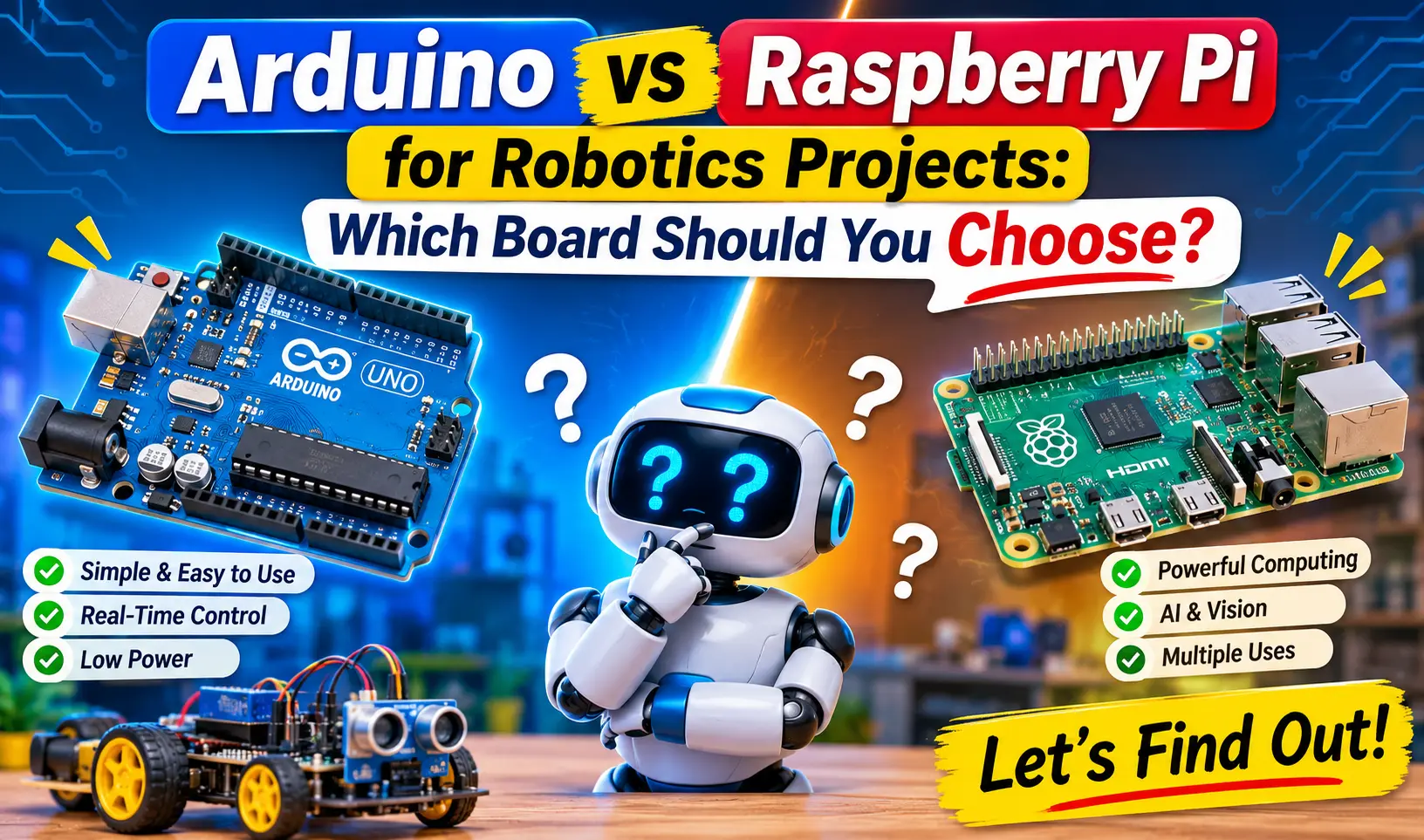
Every robot needs a brain, and for hobbyists, students and makers the choice usually comes down to two names: Arduino and Raspberry Pi. Both are affordable, well documented and backed by huge communities, yet they are built on very different ideas. Picking the wrong one can leave you fighting your hardware instead of building your robot.
This guide compares Arduino vs Raspberry Pi for robotics projects in practical terms: how each handles motors and sensors, cameras and artificial intelligence, battery life, cost and learning curve. By the end, you will know which board suits your build, and when using both is the smartest answer.
The Core Difference: Microcontroller vs Computer
An Arduino is a microcontroller board. It runs a single program, in a loop, directly on the chip, with no operating system in the way. When you power it on, your code starts within a moment and keeps running until you cut the power.
A Raspberry Pi is a single-board computer. It runs a full operating system, usually a Linux distribution, and can run many programs at once. It connects to Wi-Fi, drives monitors, reads USB cameras and runs languages such as Python, C++ and Java with ease.
This one distinction explains almost everything else. The Arduino is a specialist at talking to hardware reliably. The Raspberry Pi is a generalist that can think, see and communicate, but is less precise about timing.
Where Arduino Shines in Robotics
Arduino is the natural choice for low-level control. Its pins respond to code with consistent, predictable timing, which matters when you are generating motor control signals, reading encoders or balancing a two-wheeled robot that must correct itself dozens of times per second.
Several strengths stand out. Arduino boards tolerate rough handling, brownouts and sudden power loss far better than a Pi, whose operating system can corrupt an SD card if it loses power unexpectedly. They also draw very little current, so a small battery pack can run them for a long time. Many analog inputs make connecting simple sensors easy, and a huge catalogue of shields and libraries covers motor drivers, servos and common sensors.
Where Raspberry Pi Shines in Robotics
Raspberry Pi comes into its own when your robot needs to perceive and decide. A camera connected to a Pi can run object detection, line following, face recognition or visual navigation using libraries such as OpenCV and machine learning frameworks. Newer models have enough processing power to run small neural networks directly on the board.
The Pi is also a strong platform for robotics software. It supports the Robot Operating System (ROS), which gives you ready-made tools for mapping, path planning and sensor fusion. Built-in Wi-Fi and Bluetooth let you control a robot from a phone, stream video or log data to the cloud, and a full desktop environment makes it easy to code, debug and test on the machine itself.
Quick Comparison Table
| Factor | Arduino | Raspberry Pi |
| Type | Microcontroller board | Single-board computer |
| Real-time control | Excellent, predictable timing | Limited under Linux |
| Computer vision / AI | Very limited | Strong |
| Power use | Very low | Moderate to high |
| Startup | Instant | Boot time required |
| Best for | Motors, sensors, reliability | Vision, navigation, networking |
Head-to-Head Comparison
Real-Time Control
Arduino wins clearly. Because it runs one program with no operating system, timing is dependable down to the microsecond. A Raspberry Pi running Linux may pause your code briefly while the system handles other tasks, which can cause jittery servo movement or missed encoder pulses. Specialised real-time kernels exist, but they add complexity that beginners rarely need.
Vision, AI and Navigation
Raspberry Pi wins by a wide margin. Arduino boards simply do not have the memory or speed to process camera images in any serious way. If your robot must recognise objects, follow a person or map a room, the Pi is the realistic choice.
Power Consumption and Battery Life
Arduino is far more frugal. It can run for days on a modest battery in simple projects, while a Raspberry Pi needs a stable supply with enough current, particularly with a camera and accessories attached. For small, lightweight or long-running robots, power budgets often favour Arduino.
Cost and Complexity
Both are inexpensive, but the total cost differs. An Arduino can run on its own with a handful of components. A Raspberry Pi usually also needs a memory card, a power supply and sometimes a cooling solution, and its software setup takes longer. For a first robot, Arduino typically has the lower barrier to entry.
Learning Curve and Community
Arduino’s simple development environment and straightforward C/C++ style code make it friendly for beginners. Raspberry Pi has a gentler learning curve for anyone already comfortable with Python or Linux, and its documentation and forums are excellent. Both communities are enormous, so tutorials for almost any robot design are easy to find.
The Best of Both Worlds: Using Them Together
Many of the most capable hobby robots do not choose at all. Instead, the Raspberry Pi acts as the high-level brain, handling vision, decision-making and communication, while an Arduino acts as the low-level controller, driving motors and reading sensors in real time. The two boards talk to each other over a USB serial connection or the I2C protocol.
This split mirrors how professional robots are built, with a powerful computer making decisions and dedicated controllers carrying them out. It also makes debugging easier, because a crash in your vision code will not stop your motors from responding to a safety command.
Which Should You Choose? A Quick Guide
- Line-following or obstacle-Avoiding car: Arduino is enough and keeps things simple.
- Self-balancing robot: Arduino, thanks to its precise timing.
- Robotic arm with servos: Arduino for control; add a Pi if you want camera guidance.
- Camera-based or AI robot: Raspberry Pi.
- Autonomous navigation with ROS: Raspberry Pi, paired with an Arduino for motors.
- Battery-powered, always-on sensor robot: Arduino.
Frequently Asked Questions
Is Arduino or Raspberry Pi better for beginners in robotics?
Arduino is usually easier for a first robot because the setup is simple and the results are immediate.
Can a Raspberry Pi replace an Arduino in a robot?
It can for simple jobs, but precise motor timing is harder, so many builders keep an Arduino for low-level control.
Can I use both in one project?
Yes. This is a popular approach, and the two boards communicate easily over USB serial or I2C.
Which board is better for AI robots?
Raspberry Pi, because it can run camera processing and machine learning software.
Final Thoughts
There is no single winner in the Arduino vs Raspberry Pi debate, because they solve different problems. Choose Arduino when you need reliable, real-time control and low power use. Choose Raspberry Pi when your robot needs to see, think or connect. And if your ambitions are big, combine them. Start with the board that matches your first project, and let your robot grow from there.